Disclosure: This article contains affiliate links. If you click and sign up, AITechStackReview may earn a commission at no extra cost to you. We only recommend tools we have personally evaluated.
Quick Verdict
HelpDesk is one of the cleanest ticketing systems available for small and growing support teams. It centralizes customer messages from email, chat, and other channels into a single queue, gives your team clear assignment and priority tools, and stays out of the way when you just need to get through tickets. If your team is still managing support from a shared Gmail inbox, HelpDesk is the natural next step.
Starting Price
$29
per agent/month
Free Trial
14 days
no card required
Channels
Email + Chat
unified inbox
Our Rating
4.5/5
Best for Small Teams
Our Rating Breakdown
| Category | Score | Rating |
|---|
| Ease of Use | 4.8 | |
| Ticket Management | 4.6 | |
| AI Features | 4.4 | |
| Integrations | 4.5 | |
| Value for Money | 4.4 | |
What Is HelpDesk?
HelpDesk is a customer support ticketing platform that collects incoming messages from email, live chat, and other sources into a single organized queue. Every message becomes a ticket. Your team can assign tickets to specific agents, set priorities, add internal notes, track response times, and close tickets when resolved — all from one interface.
It's built by Text Inc., the same company behind LiveChat and ChatBot.com, which means the three products are designed to work together. A live chat conversation that needs follow-up can become a HelpDesk ticket automatically. A chatbot interaction that escalates to a human lands in the same queue as your email inquiries. That cross-product continuity is one of HelpDesk's strongest advantages.
The target user is a small or mid-size business that has outgrown a shared inbox but doesn't need the complexity of enterprise platforms like Zendesk or Freshdesk. HelpDesk prioritizes clarity and speed over configuration depth. You can have a fully working support queue set up in an afternoon.
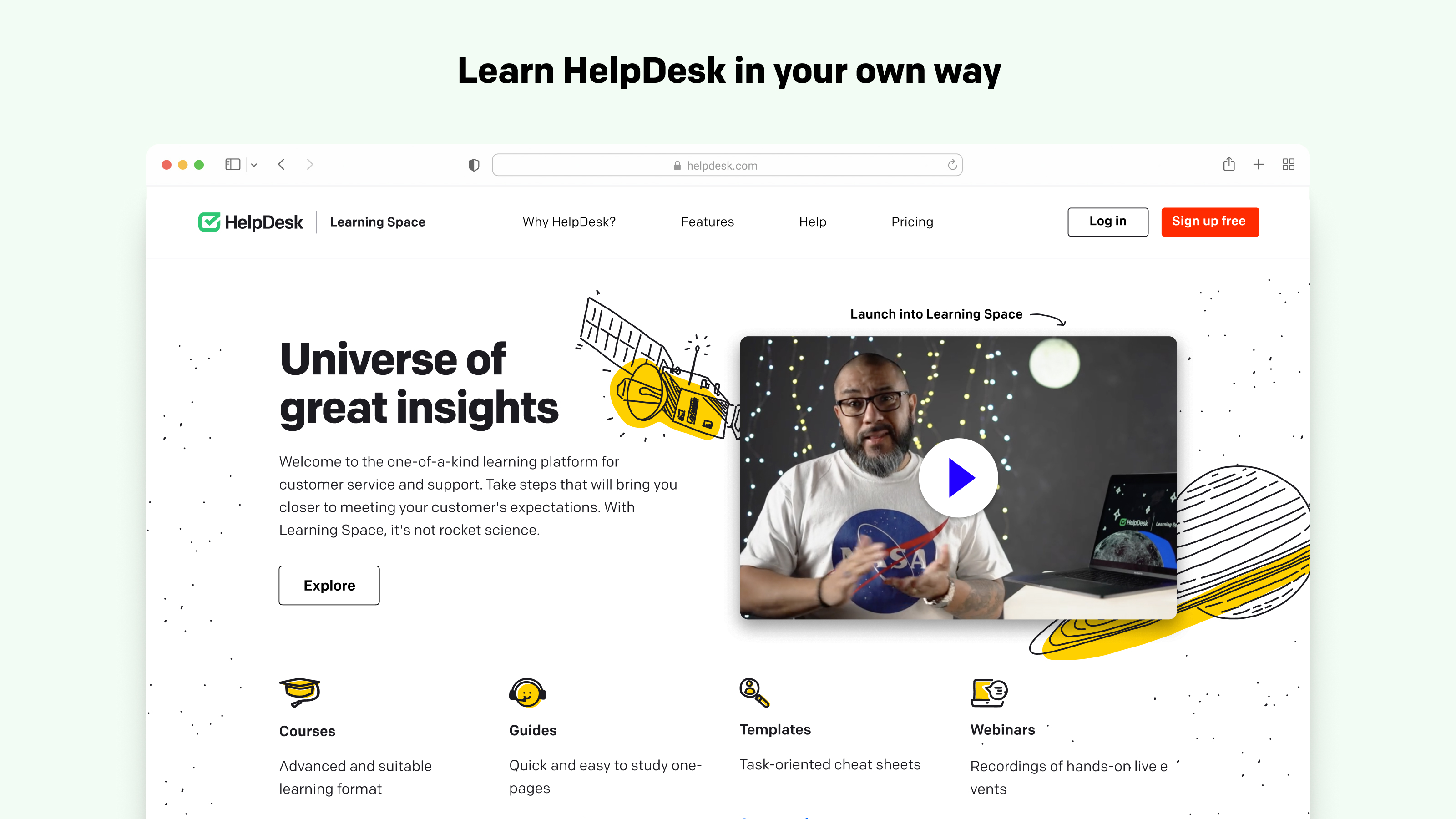
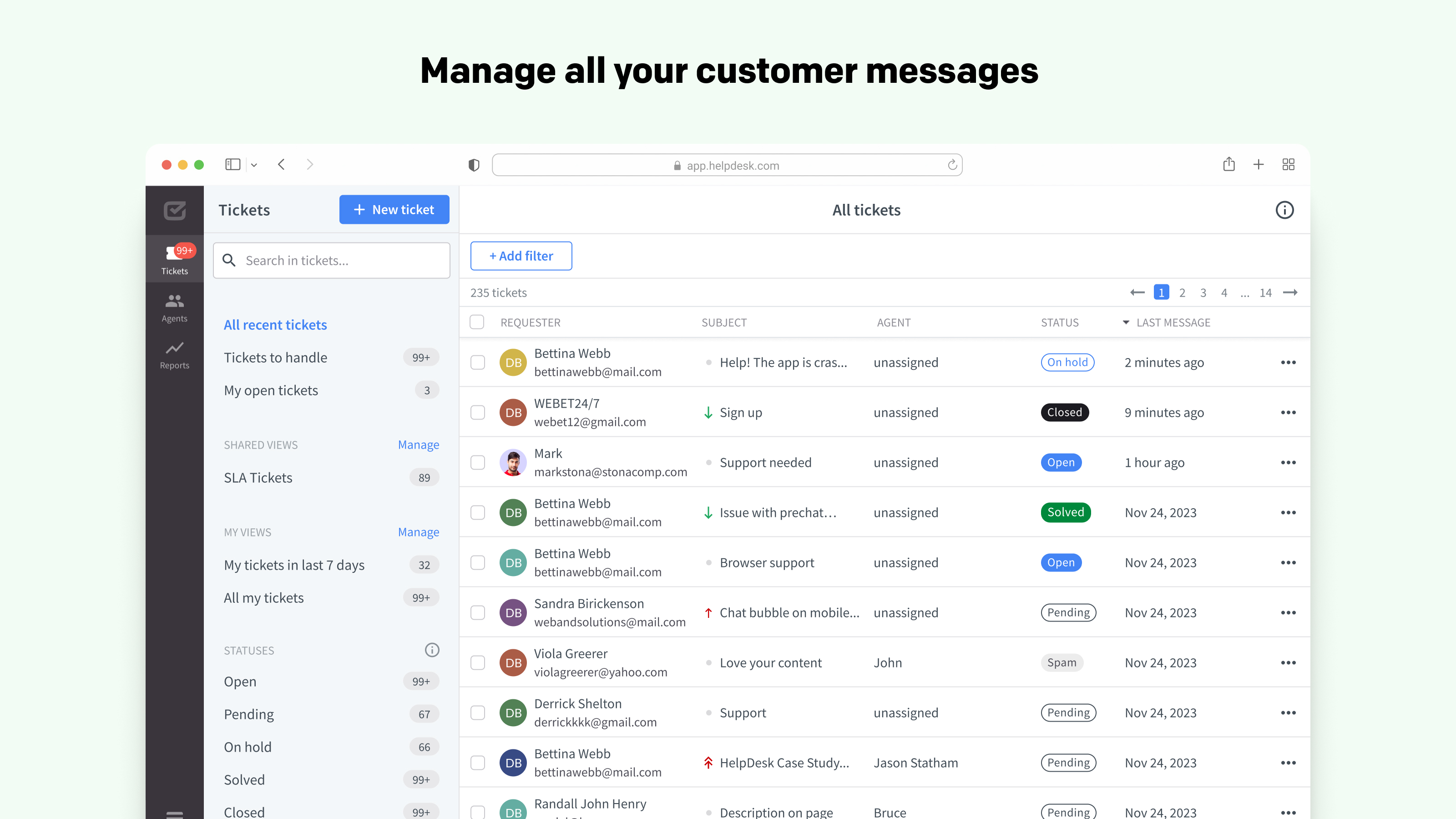
HelpDesk's ticket queue gives agents a clear view of every open request with priority and assignment status
Key Features
Unified Ticket Inbox
Every customer message — regardless of whether it came through email, live chat, or a contact form — lands in the same ticket queue. Agents work from a single view without toggling between tools. Each ticket shows the full conversation history, the customer's previous interactions, and any internal notes your team has added. There's no hunting through inboxes or wondering if someone else already responded.
AI-Assisted Replies and Summaries
HelpDesk includes AI tools that reduce the time it takes to handle each ticket. The AI can summarize long conversation threads so agents don't have to read every message to get context. It suggests replies based on your previous responses, which speeds up handling for repeat question types. Automated tagging routes tickets to the right team without manual sorting. These features add up to meaningful time savings across a full support shift.
Team Collaboration Tools
Multiple agents can work on the same ticket queue without stepping on each other. Ticket assignment is clear — each ticket shows who owns it. Internal notes let agents add context that customers don't see. Collision detection prevents two agents from responding to the same ticket simultaneously. For teams where support is shared across several people, these guardrails prevent the kind of double-response chaos that happens in shared inboxes.
Automation and Rules
HelpDesk lets you build automation rules that handle repetitive triage tasks. Auto-assign tickets by keyword, sender domain, or tag. Send auto-replies for common inquiry types. Escalate tickets that have been open for more than a certain time. Set SLA timers that alert your team when response time is approaching a threshold. The automation setup is approachable — it's a rules-based builder, not code — and covers the scenarios most small teams actually need.
The ticket detail view shows the full conversation, internal notes, and agent assignment in one clean interface
Reporting and Performance Tracking
The reporting dashboard covers the basics your support manager needs: ticket volume, average response time, resolution time, and agent performance. You can filter by date range, agent, or tag. It won't replace a dedicated analytics platform for complex reporting needs, but for most small teams it answers the question "how are we doing?" clearly enough to inform hiring and process decisions.
Pricing
HelpDesk pricing is per agent per month. Annual billing saves roughly 20% across all plans.
Starter
$29
per agent / month (annual)
- Unlimited tickets
- Email channel
- Basic automation
- Reporting essentials
Team
$50
per agent / month (annual)
- All Starter features
- AI reply suggestions
- Advanced automation
- LiveChat integration
- SLA management
- Custom views
Enterprise
Custom
contact for pricing
- All Team features
- SSO and SAML
- Custom roles
- Dedicated support
- SLA guarantees
The Team plan is the right choice for most growing businesses — it unlocks AI features and SLA management which are important once your support volume grows beyond a handful of tickets per day. The Starter plan is fine for very small teams just getting off a shared inbox.
What We Liked
- Genuinely easy setup — working queue in an afternoon
- AI summaries and reply suggestions save real time
- Clean unified inbox across email and chat
- Native integration with LiveChat and ChatBot.com
- Collision detection prevents duplicate responses
- Affordable starting price vs Zendesk and Freshdesk
What Could Be Better
- Fewer integrations than Zendesk or Freshdesk
- Reporting lacks depth for larger teams
- No built-in knowledge base on lower tiers
- Mobile app is functional but basic
Who Should Use HelpDesk
Great fit for:
- Teams managing support from a shared Gmail inbox
- Businesses already using LiveChat or ChatBot.com
- Support teams of 2-20 agents who need clear ticket ownership
- Companies wanting AI features without enterprise pricing
- Teams that need SLA tracking and auto-escalation
Not the best fit for:
- Large enterprises needing deep custom workflows
- Teams requiring 1,000+ integrations out of the box
- Businesses needing a built-in knowledge base on the cheapest plan
HelpDesk vs The Alternatives
| Tool | Starting Price | AI Features | Setup Time | Best For |
|---|
| HelpDesk |
$29/agent/mo |
✓ Good |
Hours |
Small-mid teams |
| Zendesk |
$55/agent/mo |
✓ Very strong |
Days-weeks |
Enterprise |
| Freshdesk |
$15/agent/mo |
✓ Good |
Days |
Budget-conscious |
| Help Scout |
$22/user/mo |
Basic |
Hours |
Email-first teams |
| Intercom |
$39/seat/mo |
✓ Very strong |
Days |
SaaS customer success |
Final Verdict
Our Verdict — Recommended
HelpDesk is the right choice for small and growing support teams that want a clean, fast ticketing system without paying for enterprise complexity they don't need. The setup is genuinely quick, the AI features are practical, and the integration with LiveChat and ChatBot.com makes it the most natural fit for businesses already in the Text Inc. ecosystem. If you're on a shared inbox and support requests are starting to slip through, HelpDesk solves that problem immediately.
Stop Losing Support Requests in Your Inbox
14-day free trial. No credit card required. Full Team plan access during trial.
Try HelpDesk Free →
Frequently Asked Questions
How much does HelpDesk cost?
HelpDesk starts at $29 per agent per month on the Starter plan (billed annually). The Team plan is $50/agent/month. Enterprise pricing is custom. All plans include a 14-day free trial.
What is HelpDesk used for?
HelpDesk is a customer support ticketing system. It collects customer messages from email, live chat, and other channels into a single inbox where your team can assign, prioritize, and respond to each request.
Does HelpDesk integrate with LiveChat?
Yes. HelpDesk integrates directly with LiveChat and ChatBot.com, both from Text Inc. Chat conversations that need follow-up automatically become tickets in HelpDesk so nothing falls through the cracks.
Does HelpDesk have AI features?
Yes. HelpDesk includes AI-powered ticket summaries, suggested replies, and automated tagging to route tickets to the right team. These features reduce the manual triage work that slows most support teams down.
Is HelpDesk better than Zendesk for small teams?
For small teams, HelpDesk is significantly easier to set up and more affordable than Zendesk. Zendesk has more customization depth and a larger integration library, but that complexity is overkill for most teams under 20 agents.
CN
Chris Navarro
Chris Navarro is a small business consultant and productivity enthusiast who specializes in helping entrepreneurs use AI tools to save time and grow their businesses. He has been an early adopter of AI tools since GPT-3.